14. Use Contrail
This document describes very basic operations with Contrail UI.
See also
14.1. Log into Contrail
To log into Contrail web UI, use the OpenStack admin credentials.

14.2. Verify services status
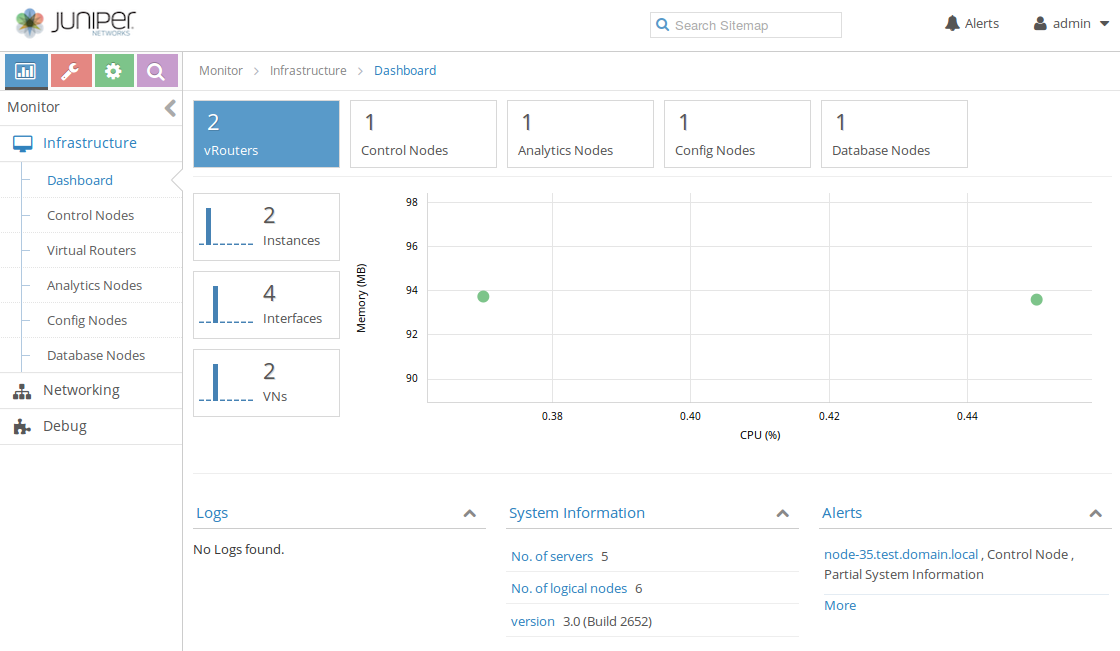
Verify the status of Contrail Control Analytics and Config nodes along with vRouters in Infrastructure using Dashboard tab of the left-hand Monitor menu.
14.3. Create the virtual networks
To create the virtual networks:
Open left-hand Configure menu and click Networking option. Enter Networks tab and use
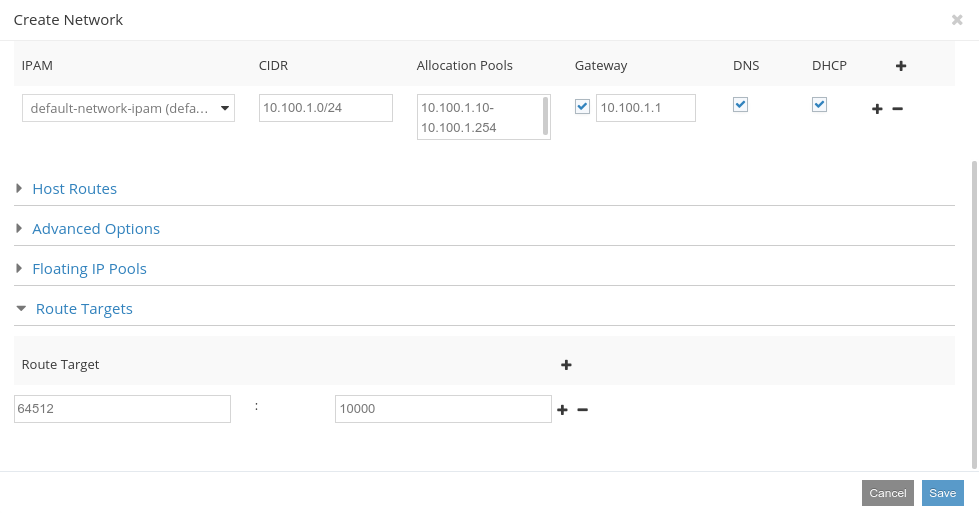
+sign at the right side to create a new virtual network. Enter the network name and add an IP subnet. Gateway address will be added automatically.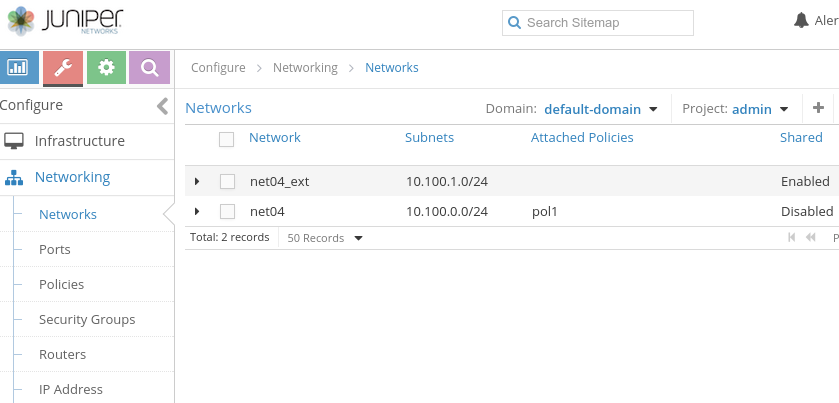
To create an external network, you need to add
SharedandExternalflags to the created network using theAdvanced Optionssections and provide a proper Routing mark in Route Targets section to let this network to be announced to the public routing table. The Routing mark is two numbers divided by a semicolon, for example64512:10000.